
Vinyl Siding Lights: How to Hang Them Without Damage

To hang seasonal lights on vinyl siding while reducing the risk of damage, choose mounting approved for both your siding profile and the actual decoration. A no-hole hook is not automatically suitable for every wall or prop. Compare the siding manufacturer’s guidance with the mounting product’s instructions before installing. This guide distinguishes light strings from larger props and explains how EZRGB simplifies the show design while you choose house-specific mounting.
Start with what you are hanging
Start with the actual size, weight and shape of the decoration, not just whether its lights use LEDs. Separate strands from larger props before choosing supports.
-
Light strings and pixel strands. These can run along rooflines, windows and doors. Use only supports compatible with the strand’s dimensions and load; do not assume every pixel strand fits a standard string-light clip.
-
Heavier pixel props. Larger shapes can add weight and wind exposure. They need a mounting plan suitable for the actual prop and support surface; a clip sold for a light string does not establish that suitability.
We do not publish a universal recipe for hanging props on siding, because homes differ. The siding manufacturer’s guidance and the mounting product’s own instructions decide what is safe. For a heavy prop, or a wall you are unsure about, ask a qualified contractor. Our guide to securing outdoor holiday props covers the wider thinking on this.
Clips and hooks that work with vinyl siding
Many vinyl siding products use overlapping panels. The Polymeric Exterior Products Association’s installation guidance says installed panels must remain free to move side to side. This is background about siding installation, not permission to hang decorations from it. Do not force panels apart or pin them in place with a mounting method.
Siding hooks
A hook specifically designed for a compatible siding profile may avoid a new hole. Confirm how the manufacturer says it attaches and what it can support. Do not pry, force or alter the siding to make a hook fit. If the panel is loose or damaged, resolve that issue before adding decorations.
Flush siding clips
A low-profile clip may be less visible, but appearance does not establish compatibility or year-round suitability. Check the exact siding profile, decoration type, exposure and permitted installation duration. Remove it when its instructions require.
Adhesive light clips
3M’s Command Outdoor Clear Light Clips list sealed, smooth outdoor surfaces, including flat vinyl siding. That is guidance for this specific product, not approval for every adhesive strip or siding finish. Follow its surface preparation, installation, loading and removal directions together with your siding manufacturer’s requirements. A small trial does not establish long-term suitability or a heavy-prop load rating.
Check the clip’s own fine print
Check the exact mounting product rather than relying on a general label such as “all-purpose.” A clip meant for a gutter or shingle may not suit siding. If the instructions do not identify your surface or decoration, ask the manufacturer before using it.
Quick comparison
| Mounting option | Goes through siding? | Best for | Check first |
|---|---|---|---|
| Siding hook | No | Light strings along a lap | Fits your siding profile |
| Flush siding clip | No | Compatible light strings | Profile, load and permitted duration |
| Outdoor adhesive clip | No | Smooth, sealed, flat siding | Surface, load and removal directions |
| Nails or screws | Yes | Not a default seasonal method | Siding movement and approved attachment |
How to hang lights on vinyl siding, step by step
-
Inspect the equipment. Check for visible damage before installation. Keep suspect items disconnected and contact support about kit components.
-
Confirm compatibility. Check the siding, decoration and mounting instructions together, including load and outdoor exposure.
-
Prepare only as directed. Follow approved cleaning, surface and installation conditions; avoid improvised solvents or adhesives.
-
Install the supports as specified. Use the product’s directions for placement rather than a universal spacing rule. Do not modify siding to make a clip fit.
-
Support the decoration. Avoid pulling cables tight or loading connectors. Keep cables away from entrances and walking routes.
-
Check and remove as directed. Inspect the mounting during the season and follow its removal instructions when taking the display down.
Choose safe access and suitable weather. For high areas or uncertain mounting, use qualified help rather than improvising from a ladder.
Ladder and electrical safety
Use access equipment appropriate for the task, following its instructions. Do not overreach or work on wet or icy surfaces. A helper does not make an unsuitable ladder position or mounting method safe.
For power:
-
Use equipment rated for its location and the required outdoor electrical protection. Ask a licensed electrician about unsuitable outlets or uncertain supply arrangements.
-
Follow the manufacturer’s instructions, do not overload outlets or power strips, and turn decorations off when you are away or asleep.
If protection trips repeatedly, stop using the affected setup and have the cause checked. Do not bypass protection or keep resetting it to continue a show.
Permanent fixtures are a different job
Permanent porch lights and electrical mounting blocks are a separate installation task. Do not treat a fixture mounting block as a generic seasonal-prop hanger. Ask a qualified installer or electrician about permanent attachments, electrical work and the wall construction behind the siding.
Planning an animated display on vinyl siding
Siding changes how you plan. Lap lines give you tidy horizontal guides, and you want to know your layout before you buy clips. This is where the EZRGB platform helps.
-
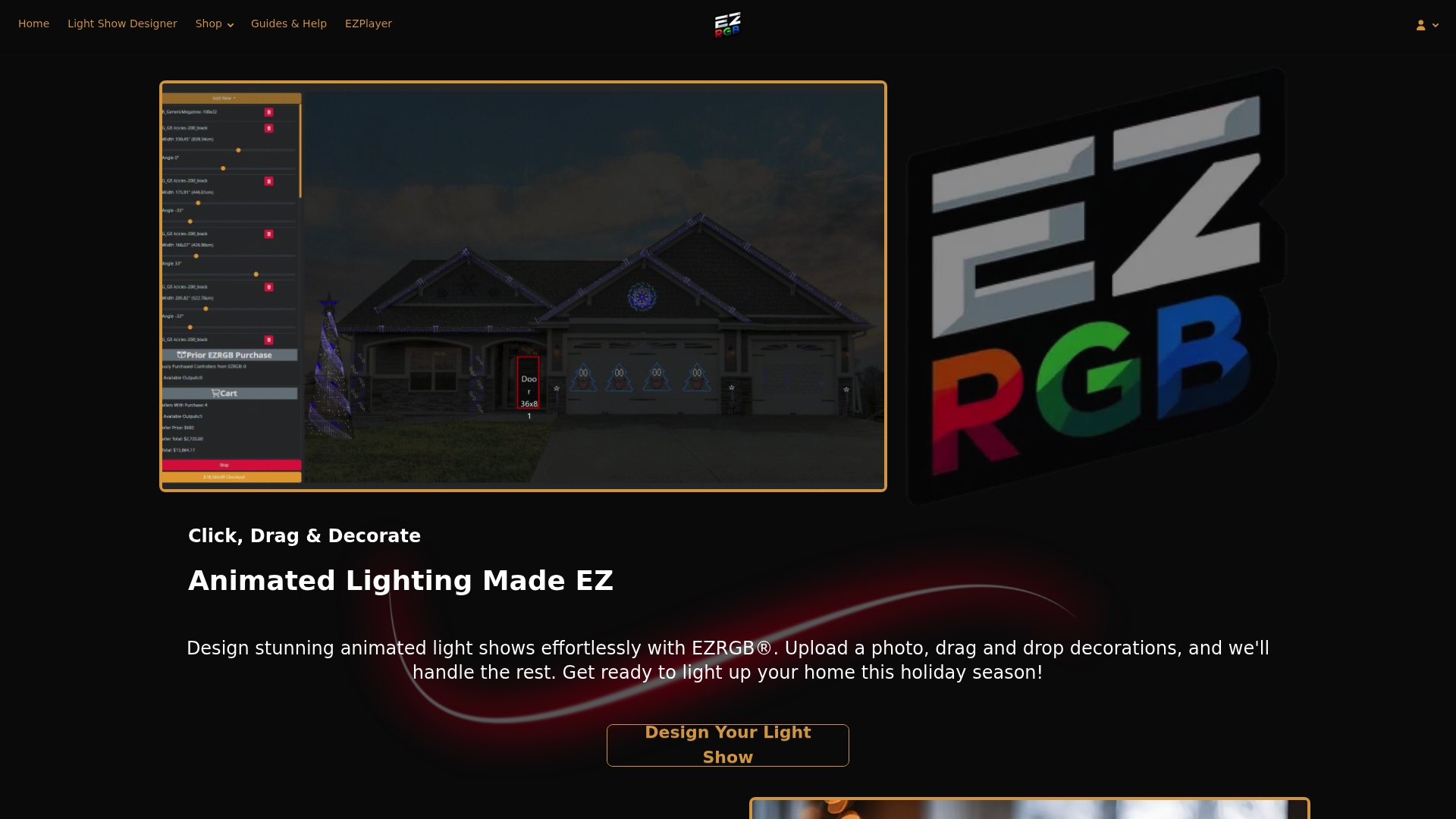
Upload a photo of your house to the EZRGB Designer. Draw a box around a measured door or window and enter its dimensions; the designer scales the photo from that reference.
-
Draw your rooflines, curves, doors and windows. The Designer estimates how many lights you need.
-
Choose and arrange decorations by dragging and dropping them onto the photo.
-
Let EZSequence build the show. It generates a sequence that matches your layout.
-
Run it with EZPlayer. The installed player handles playback and scheduling, with website access to manage your registered player. Sync purchased sequences and their separately purchased matching music. EZPlayer uses Wi-Fi for sync, while all controllers are hardwired by Ethernet.
EZRGB determines the equipment from your layout, so you do not have to match components yourself. The required cloud setup downloads and configures your show. For layout ideas, see how to design festive home exterior lighting and our layout tips for families. On a house with shingles instead, read about mounting animated pixel lights on shingles.
The benefit over plain strings is that you can preview the whole display on your own house before you buy.
Expand the design without calculating controller capacity
You can add props and RGB lights in the designer whenever you want. It tracks available controller ports and identifies when additions require another controller. When you sync the updated show, EZPlayer downloads the needed files and reprograms the controllers for the new design.
EZPlayer also guides you on which prop goes where when connecting the display. You do not need installation photos to reconstruct the show next year. The software handles show configuration; it does not determine whether a particular siding hook or wall attachment can safely support a prop.
Build your show on a vinyl-sided house
If you want movement and music instead of static strings, start with our Plug and Play Kits. They include their listed equipment and extensions; mounting is excluded because every house differs. EZPlayer configures the controllers for your layout, and you can add RGB lights for rooflines and trim. Sequences and music are sold separately. Browse lighting arrangements in RGB sequences.
If you are still weighing the difference between plain and animated, the role of string lights in holiday displays and our beginner-friendly options for families are good next reads.
FAQ
Can I use Command strips on vinyl siding?
Check the exact product. 3M lists its Outdoor Clear Light Clips for sealed, smooth surfaces including flat vinyl siding. Follow both the siding and clip manufacturers’ instructions; this does not approve all Command strips or support heavy props.
What is the best way to attach lights to siding without damage?
Use a mounting method approved for your specific siding and decoration. No-hole mounting can avoid punctures, but it does not guarantee damage-free use on every surface. Avoid improvised face-nailing, screws or forced clips.
Can I leave siding clips up all year?
Only if the exact product and siding instructions permit that duration and exposure. “Outdoor” or “flush-mounted” alone does not establish year-round suitability.
Can I hang heavy animated props on vinyl siding?
We do not give a universal method, because weight, wind exposure and the wall behind the siding vary. Follow the siding and mounting-product manufacturers’ guidance. Ask a qualified contractor about heavy props or uncertain surfaces.