How EZRGB Simplifies Your Holiday Light Show
The EZRGB platform is a complete solution for creating animated, music-synchronized holiday light shows without any technical background. Homeowners and families can upload a photo of their home, drag and drop decorations onto the layout, and sync everything to music in one place. EZRGB answers the question of how to simplify show production by automating the hardest parts: sequencing, controller mapping, and scheduling. As of Q1 2026, 45% of consumers prefer smart or app-controlled holiday lights, which shows how quickly families are moving toward tech-assisted displays. EZRGB meets that demand with a platform built for people who want great results without a steep learning curve.
How can EZRGB platform simplify my show?
EZRGB removes the biggest barriers that stop most families from building their own light show. Traditional setups require learning sequencing software, wiring controllers, and configuring networks. EZRGB handles all of that for you through automation and pre-built tools.
The platform’s core features work together to cut setup time and reduce frustration:
-
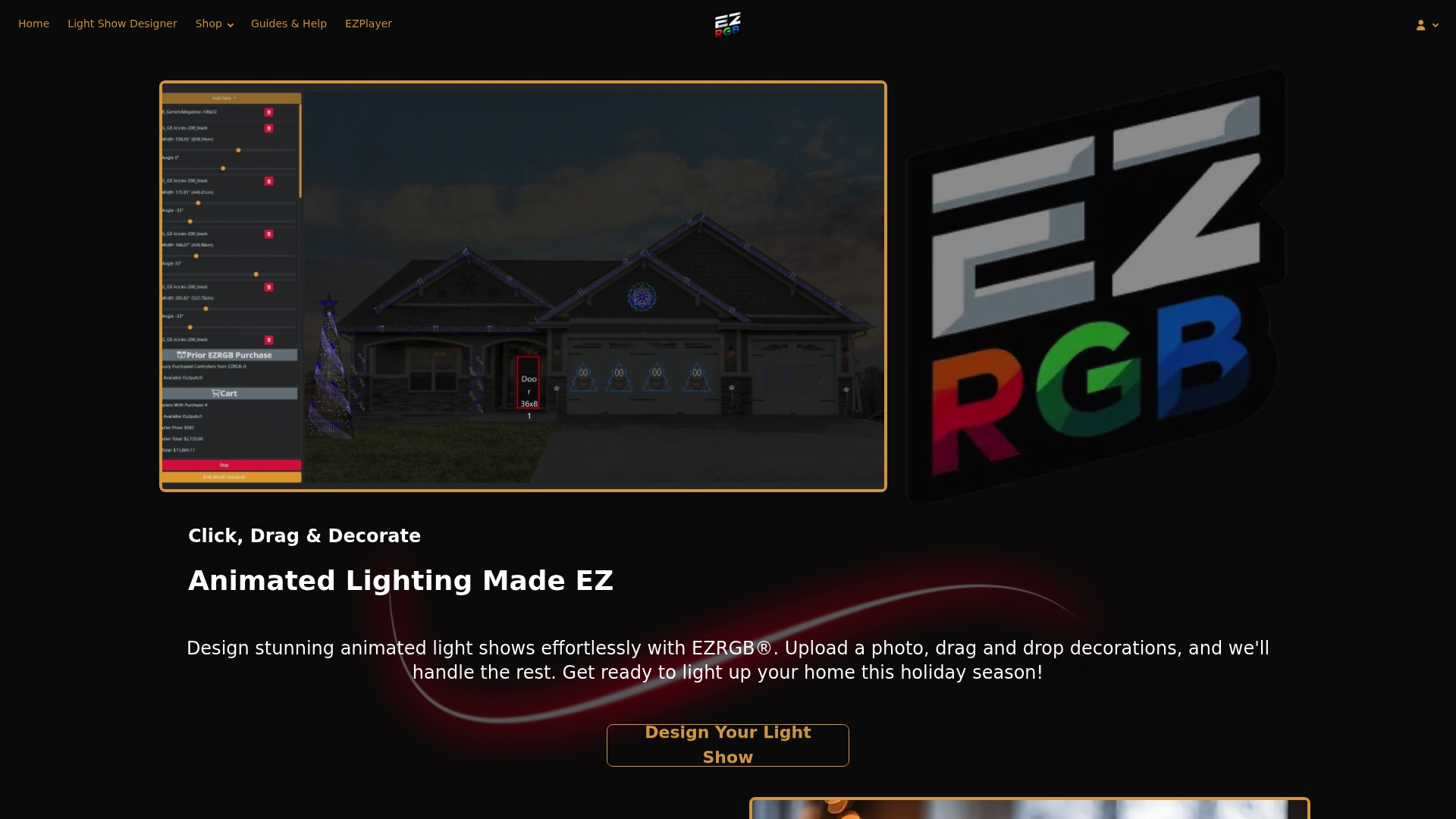
Drag-and-drop layout design. You upload a photo of your home and place lighting props directly onto it. No graph paper, no guesswork.
-
Pre-built sequences and effects. EZRGB offers pre-programmed lighting effects that are ready to run on your display. You pick a song, choose a sequence, and the choreography is already mapped.
-
Automatic controller mapping. When you purchase a kit, EZRGB maps your sequences to your specific display automatically. You do not manually assign channels or pixel addresses.
-
Cloud-based show scheduling. The EZPlayer app lets you schedule shows by time of day or day of the week. Just connect to your home internet to make your show smarter.
Pro Tip: Using the EZRGB platform eliminates unnecessary controllers and avoids costly installation errors.
Designing your layout before purchase avoids overspending on controllers and supplies you do not need. EZRGB’s planning tools guide you through this step before you place an order.
How does EZRGB reduce technical complexity?
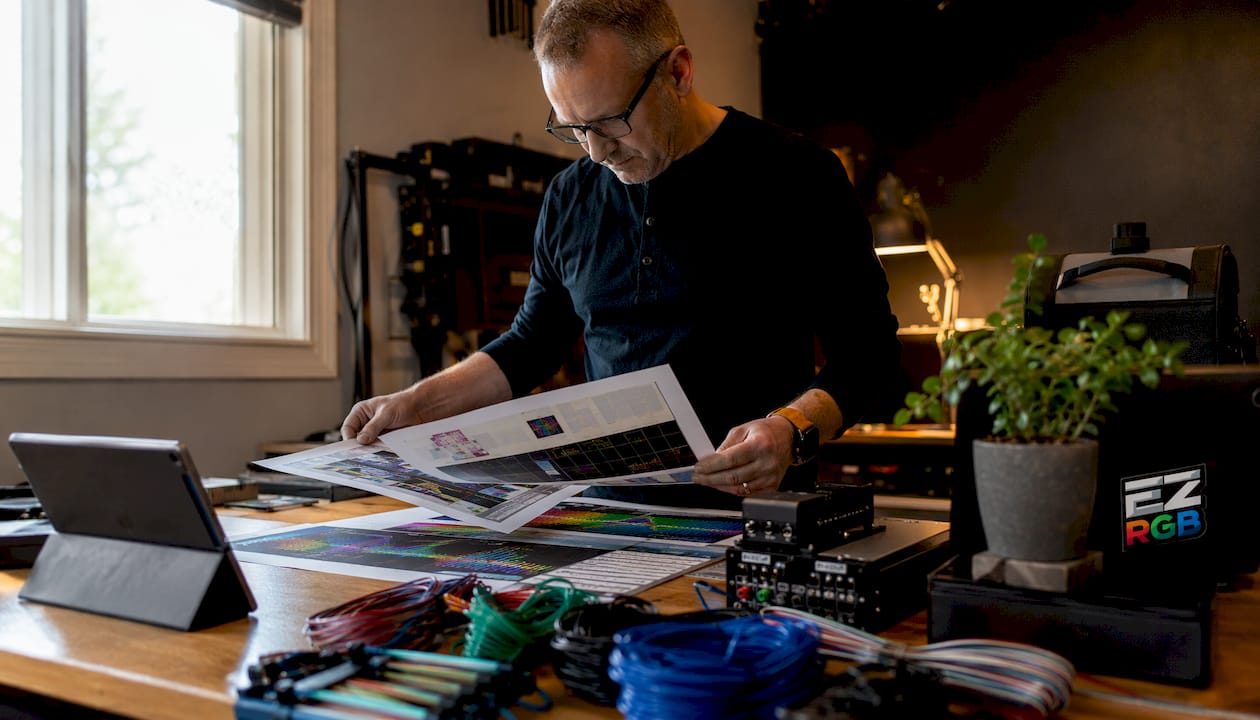
Traditional DIY lighting setups ask a lot from beginners. You need to learn sequencing software, configure controllers, run Ethernet cables, and troubleshoot signal issues. EZRGB cuts that list down significantly.
Here is how the platform reduces complexity at each stage:
-
No sequencing software to learn from scratch. EZRGB provides ready-made sequences that load directly onto your player (EZPlayer). You can use xLights for customization later, but you do not need it to get started.
-
Automatic display mapping. EZRGB configures your controller to match your purchased kit. You skip the manual channel assignment that trips up most beginners.
-
Ready-to-run kits. Products like the Christmas Light Show Kit and the Roofline Special arrive pre-configured. Hardware assembly is minimal.
-
Cloud-based show management. The EZPlayer handles scheduling you manage everything from the website on your computer or phone.
-
Guided support resources. EZRGB provides tutorials and step-by-step guides so you are never left figuring things out alone.
Separating creative planning from technical programming drastically reduces the complexity of synchronized light shows. EZRGB applies this principle by letting you focus on design while the platform handles the technical execution.
Pro Tip: Start with a simple focal point like your roofline before adding more display zones. Professional installers recommend mastering one area before scaling up, and EZRGB’s modular kits make that easy.
A straightforward setup with fewer controllers and labeled cables also reduces installation errors and maintenance headaches. EZRGB kits are designed with this in mind, keeping your first show manageable and enjoyable.
What practical steps build your first EZRGB show?
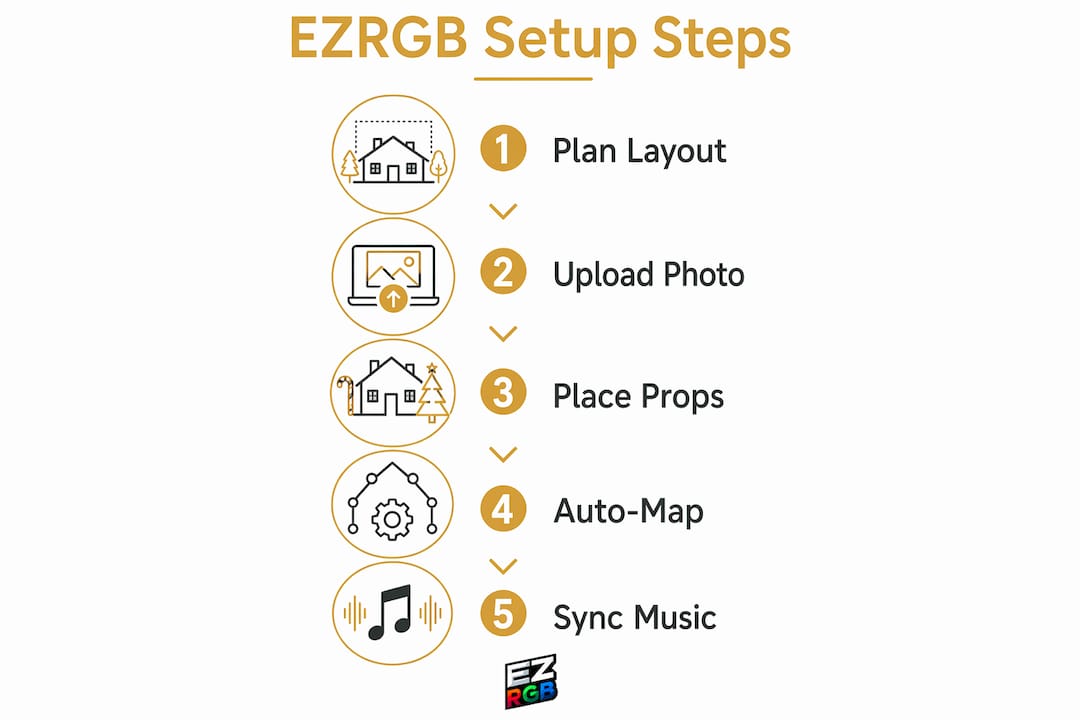
Getting your first show running with EZRGB follows a clear, repeatable process. You do not need to figure out the order of operations on your own.
-
Upload your home photo and design your layout. Use the EZRGB drag-and-drop interface to place props on your home’s image. This gives you a visual preview before anything is installed.
-
Choose a kit or Props. Browse EZRGB’s catalog and select a holiday light show kit or props that fits your home size and budget. Kits include a package to make shopping easy but you can also buy individual props and create your own kit.
-
Download your sequences to EZPlayer. Once your layout is confirmed, sync your show files to the EZPlayer app or a compatible device. The platform handles file formatting automatically.
-
Schedule your show. Set your show to run at specific times using the built-in Scheduler in EZPlayer. You can program different shows for weeknights versus weekends.
-
Test, adjust, and scale. Run your show and check synchronization. EZRGB’s tools let you make adjustments without rebuilding from scratch. In following seasons, add more props or zones using the same workflow.
Wiring your control equipment via Ethernet instead of Wi-Fi prevents lag and synchronization issues. For music-synced shows, a wired connection is the more reliable choice. EZRGB’s hardware supports Ethernet connections for exactly this reason.
The EZRGB Light Show Designer guide walks you through each of these steps in detail. Referring to it during your first setup saves time and prevents common mistakes.
How does EZRGB’s integration with xLights benefit you?
EZRGB works alongside xLights, a free and widely used open-source sequencing tool. This integration gives you the best of both worlds: EZRGB’s ease of use and xLights’ depth of customization.
Here is what that integration delivers in practice:
-
Free software access. xLights costs nothing to download and use. EZRGB’s compatibility means you access a professional-grade tool without paying for additional software licenses.
-
Gradual skill building. You can start with EZRGB’s pre-built sequences and slowly explore xLights as your confidence grows. The platform does not force you to learn everything at once.
-
Community and platform support. EZRGB provides guides, tutorials, and direct support. Combined with the large xLights user community, you have multiple resources to answer questions at any skill level.
20% of US households already use smart lighting systems that sync to music. EZRGB’s xLights integration puts your display in that category without requiring the technical setup those systems typically demand.
Key Takeaways
EZRGB simplifies holiday light shows by automating sequencing, controller mapping, and scheduling so families can build impressive displays without any technical background.
| Point | Details |
|---|---|
| Automation handles complexity | EZRGB maps sequences to your display automatically, removing manual channel configuration. |
| Pre-built kits speed up setup | Ready-to-run kits like the Christmas Light Show Kit reduce hardware assembly and guesswork. |
| xLights compatibility adds flexibility | You can create your own animations and add to your EZPlayer playlist. |
| Start simple, then scale | Begin with one display zone like a roofline and add more elements in future seasons. |
| Cloud scheduling saves time | EZPlayer lets you schedule shows by time and day from your phone, no local server needed. |
Why EZRGB works for families who want real results
Most families who try to build a holiday light show from scratch hit the same wall. The hardware is confusing, the software has a steep learning curve, and the first season often ends in frustration rather than a finished show. I have seen this pattern repeat itself across countless setups.
What EZRGB gets right is the separation between creativity and technical execution. You decide what your display looks like. The platform handles how it runs. That division makes the whole process feel manageable instead of overwhelming.
The families who get the most out of EZRGB are the ones who start with the platform, run one show, and build from there. They are not trying to replicate a professional installation in year one. They are learning the workflow, enjoying the result, and adding to it each season. That approach produces better displays and a lot less stress.
App-controlled and voice-integrated RGB lighting now accounts for 40–45% of retail dollar value in the US. The market has moved toward accessible, app-driven systems because that is what families actually want. EZRGB is built for exactly that moment.
My honest recommendation: do not wait until you feel “ready” to start a light show. Use EZRGB’s tools to plan your layout, order a starter kit, and run your first show this season. The platform is designed to meet you where you are.
— EZRGB Team
Ready to build your first holiday light show with EZRGB?
EZRGB makes it straightforward to go from zero to a fully synchronized holiday display. Whether you are setting up your first show or expanding an existing one, the right tools and support are already in place.
Browse the full range of holiday light show kits at EZRGB, including the Christmas Light Show Kit 1 and the Roofline Special for families who want a clean, focused starting point. Each kit comes with pre-built props, hardware, and setup guidance. If you run into questions along the way, the guides and help center covers everything from first-time setup to advanced scheduling. Your first show is closer than you think.
FAQ
What does EZRGB do for beginners with no technical skills?
EZRGB automates controller mapping, sequence assignment, and show scheduling so beginners can set up a synchronized holiday light show without learning complex software. Pre-built kits and drag-and-drop design tools handle the technical steps for you.
Does EZRGB work with xLights?
Yes. You can create you own sequences and import them into the EZPlayer on your local computer.
How do I schedule my EZRGB show to run automatically?
The EZPlayer app includes a built-in Scheduler that lets you set show times by day and hour from your phone. No local server or network configuration is required.
Should I use Wi-Fi or Ethernet for my EZRGB controller?
Ethernet is the better choice for show control. Wired connections outperform Wi-Fi for time-synchronized playback, which prevents lag and keeps your music and lights in sync.
How do I grow my display after my first season?
EZRGB’s modular kits let you add new props and display zones using the same workflow you learned in year one. Starting with a simple area like a roofline and scaling up each season is the approach professional installers recommend for beginners.