Gingerbread House Lighting: Animate Your Home’s Exterior

Turn your home into a gingerbread house for Christmas with warm-looking outlines that suggest icing, a few candy-colored accents, and a clear entrance. Start with the roofline and front door. Add window trim or a pathway border once the main outline looks balanced. With EZRGB, you can plan the arrangement on a photo of your home and choose sequences that suit the theme.
What a Gingerbread-Themed Home Looks Like
The idea is simple: your house is the gingerbread, and the lights are the decoration. Three elements carry the look:
-
Icing lines: warm white or soft cream outlines along the roof edge, gables, window frames and door frame.
-
Candy accents: red, green, pink and white used in small repeating patterns, like peppermint stripes or gumdrop dots.
-
Contrast: a dark or neutral house body so the outlines read clearly, the way white icing stands out against brown cookie.
Use the roofline as the main icing line, then repeat the palette at the door or on a low yard prop. Look at the house from the usual viewing spot before adding more details. A simple outline and a small cluster of accents often make the theme easier to recognize.
Why Animation Suits the Theme
Fixed-color strings can give the house a steady icing outline. Addressable RGB pixels add the option of different colors and movement within a sequence. An RGB white may look different from a dedicated warm-white strand, so compare the actual lights if you plan to use both.
The effects you see depend on the sequence you choose. Think of these as ideas to look for, not guaranteed features of any single kit:
-
A slow warm white “icing” glow that runs along the roof edge.
-
Red and white alternating segments that scroll like a candy cane stripe.
-
Door and window frames that brighten on the beat of a song.
-
A calm, steady look for early evening, then a music-synced show later.
Plan the Layout: Roofline, Windows and Door
Beginners get the best result by starting with the three areas that define a house shape.
Rooflines: your icing piping
Trace the eaves and gable edges in the designer. If the roof has several peaks, compare a simple outline of the main shape with one that follows every edge. Start with the areas you can mount safely and use the same warm-looking tone to tie the runs together. See our guide to mounting lights on shingles for roof-specific considerations.
Windows and doors: frosted trim
Outline each window rectangle and the door frame in the same warm white as the roof so they feel like one decorating job. Candy color works well on the door itself: a red or green frame reads like a candy-coated entry. For measuring and mounting tips, see our window outline lights guide.
Walkway and yard: the candy path
Repeat one or two candy colors along a garden bed beside the walkway. Keep props and cables clear of steps, doors, ramps and wheel paths. Use regular path and porch lights for visibility throughout the show. See our animated pathway border ideas for more layout options.

How the EZRGB Layout Designer Does the Planning
You do not need lighting software knowledge to plan this. The EZRGB platform works in three parts:
-
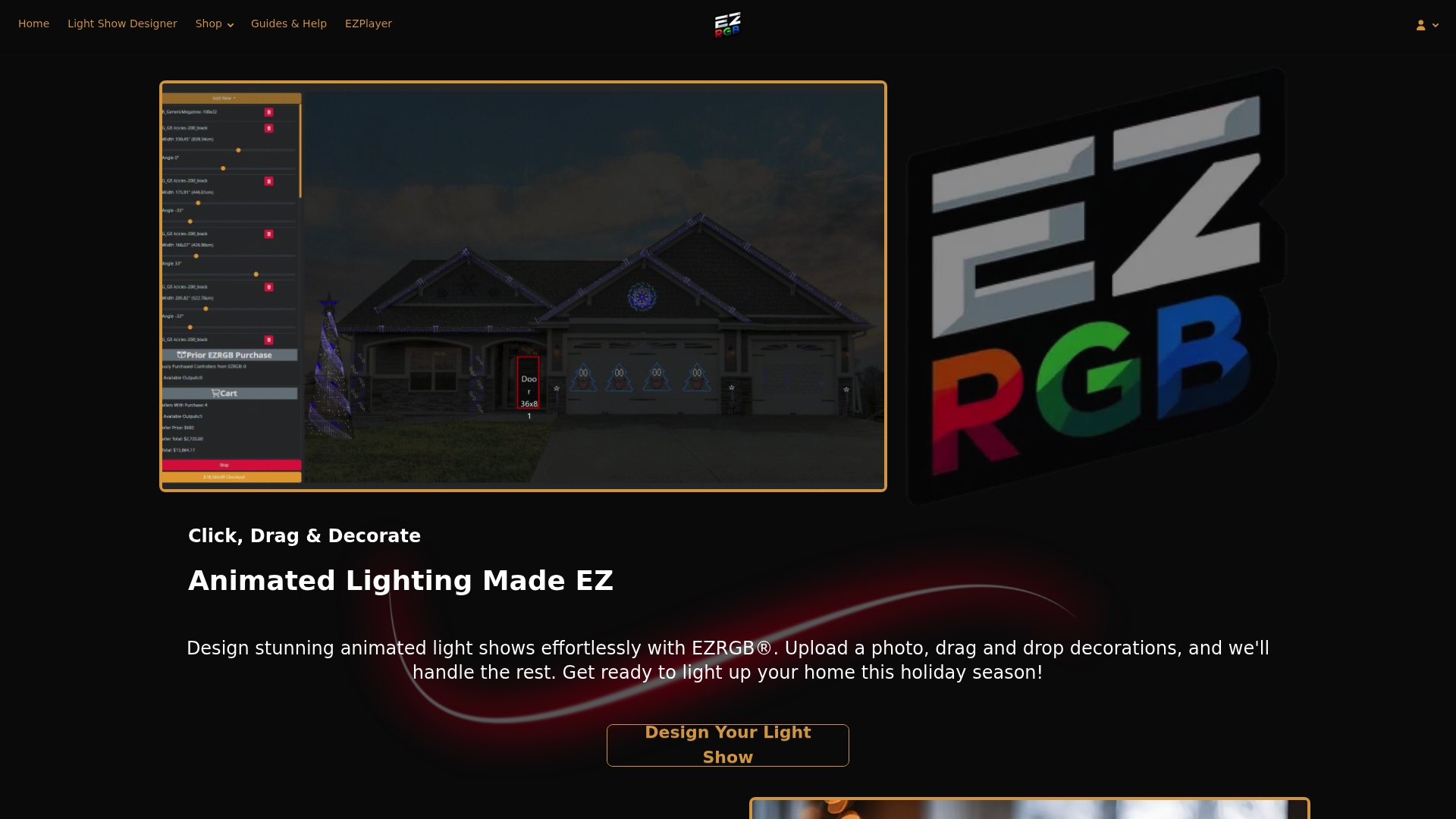
Layout designer. Upload a photo of your home. Draw a box around a door or window you have measured and enter its dimensions, and the designer scales the whole photo from that reference. Then draw straight or curved rooflines and openings directly on the picture.
-
Light and equipment estimate. The designer estimates how many lights your drawn outlines need and determines the equipment to match. It tracks free controller ports and flags when you need another controller.
-
EZSequence. It generates a sequence fitted to your layout, so the effects follow your actual roof, windows and door instead of a generic template.
Because you see the result on your own photo, you can preview the gingerbread look before you buy anything, then adjust the plan until the roof, trim and door all feel right.
Controlling the Show With EZPlayer
Install EZPlayer and register it through EZRGB cloud setup. The player downloads the show files, maps supported EZRGB sequences and configures the show. Use the website to manage the registered player, then test a selection before scheduling a playlist. Choose a sequence and obtain the exact matching recording separately.
A few setup facts worth knowing before you order:
-
The cloud is required for EZRGB kits.
-
The player syncs over Wi-Fi, and all controllers connect by Ethernet.
-
Kits include the listed equipment and extension cords. Mounting supplies are not included, so plan for clips or other mounts.
-
Music and sequences are sold separately from kits.
Plan mounting for the surface and the decoration
A light strand and a large yard prop need different supports. Before buying clips or stakes, check the instructions for the light, mounting product and surface. Consider weight, wind exposure and how you will reach the area for installation and removal. Keep doors, windows used for exit and walkways clear.
Use a lower mounting location or qualified help when a roofline is hard to reach. For vinyl siding, check the siding manufacturer’s instructions as well as the clip’s intended use. Our guide to securing outdoor holiday props covers planning for larger shapes.
Check the display before opening night
-
Inspect cords, plugs and lights for visible damage and follow the kit instructions for testing and connections.
-
Use equipment rated for its actual outdoor location and suitable GFCI protection. Keep connections out of standing water and follow the product’s exposure limits.
-
Route cords away from doorways and walking surfaces. Ask a licensed electrician about unsuitable outlets or repeated protection trips.
-
Test the playlist and verify when it ends. The player controls playback. Follow the equipment instructions for electrical shutdown.
For general outdoor electrical guidance, see ESFI’s outdoor decoration safety tips.
Add a window or candy path later
Start with the roofline and door, then add props or RGB lights in the designer whenever you want. It tracks available controller ports and identifies when an addition requires another controller. When the updated show syncs, EZPlayer reprograms the controllers for the design and guides you on which prop goes where.
The same workflow helps when you put the show back up next season. Load EZPlayer, let it sync and use its connection guidance. Take photos to share the finished display or remember a favorite look.
Start Your Gingerbread Display
Use your layout to decide which areas to decorate, then review the equipment EZRGB selects. The kit includes its listed components and extensions. Choose mounting for each surface separately.
Compare EZRGB plug and play kits and browse the sequence catalog for lighting arrangements. The matching audio and sequence are separate purchases.
FAQ
Can I make my real house look like a gingerbread house with lights?
Yes. Outline the roofline, windows and door in warm white to suggest icing, then add candy-colored accents in small patterns. Pixel lights let you shift between the icing look and candy color effects on the same strands.
What colors work best for gingerbread house lighting?
Warm white for the main outlines, with red, green, pink and white as candy accents. Keep the accents limited so the house shape still reads clearly from the street.
Do I need to know lighting software to animate it?
No. In EZRGB you place decorations on your own photo, EZSequence builds a sequence for your layout, and EZPlayer handles scheduling and playback. Effects depend on the sequences you choose.
Are music and sequences included with the kits?
No. Kits include the listed equipment and extension cords, while music and sequences are sold separately. Mounting hardware is also not included.