
Do EZRGB Singing Christmas Props Actually Sing?
Does EZRGB make singing Christmas props sing?
Yes, EZRGB singing Christmas props genuinely sing, and the effect goes well beyond a simple blinking light. The props use LED pixel technology combined with sequencing software to animate mouth movements in sync with holiday music, creating a convincing lip-sync performance your neighbors will stop to watch.
Here is what makes it work:
-
LED pixels embedded in coro prop faces light up in patterns that match vocal sounds
-
Sequencing software maps each phoneme in a song to a specific mouth position
-
EZRGB’s platform automates the programming so you never touch a line of code
-
The result is a full animated singing display, not just a static decoration with a speaker
Table of Contents
How singing props create synchronized mouth movements
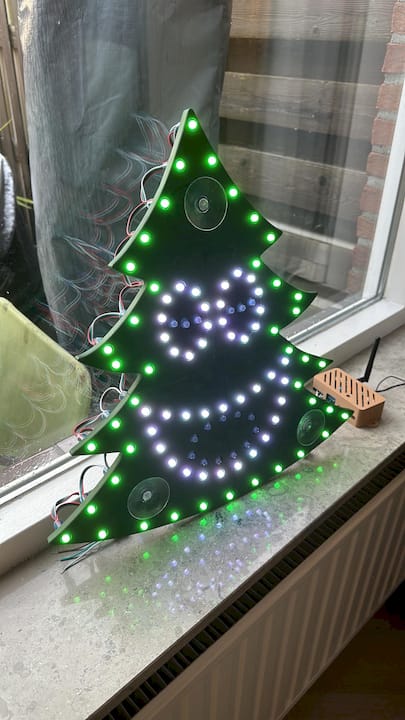
Singing coro props are flat sheets of coroplast or plastic, pre-cut with holes for LED pixels that form facial features like eyes, a mouth, and an outline. The sequencing software reads the song’s lyrics, breaks them into phonemes, and triggers the correct mouth shape for each sound at the right millisecond.
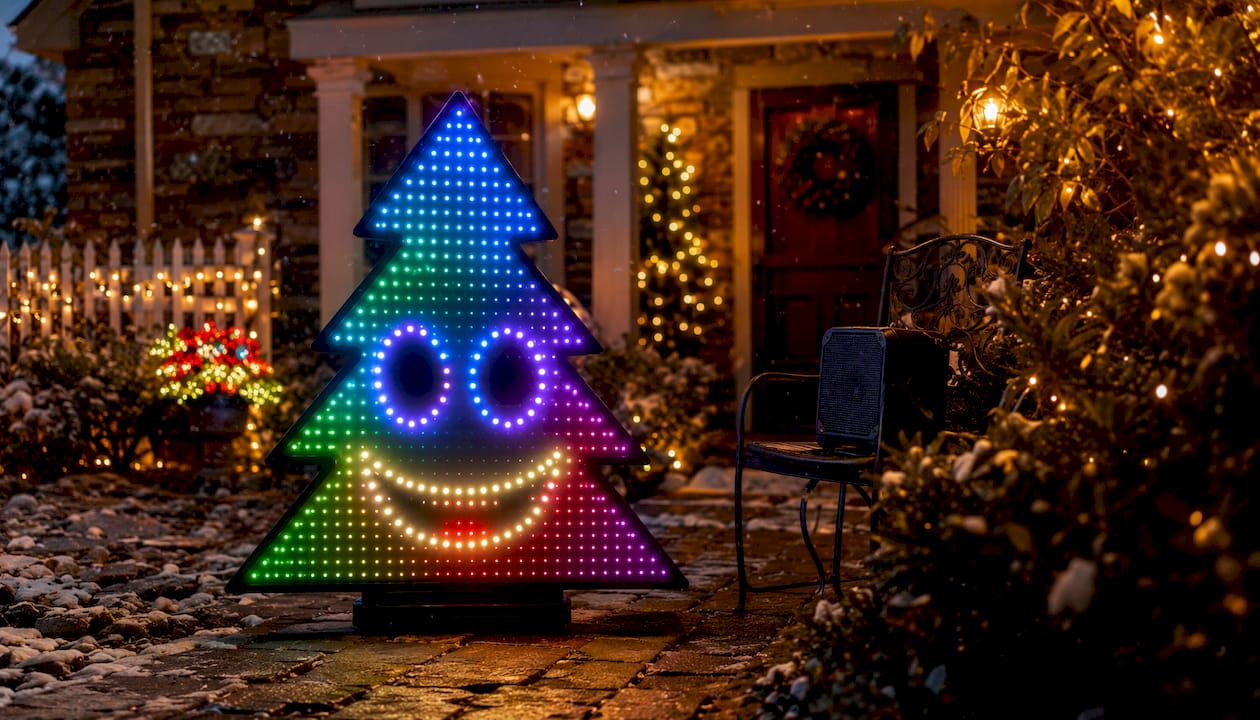
Pixel counts vary by prop size and complexity, with standard setups using 12mm bullet pixels and anywhere from 100 to 550 pixels per prop. A prop like the Sing Along Spruce, for example, uses 380 pre-cut pixel holes to deliver smooth, full-coverage lighting that reads clearly from the street.
Pro Tip: Use sub-models in your sequencing software to control the eyes, and outline separately.
How EZRGB’s platform makes animated singing displays easy
Traditional animated light shows require manual channel mapping, wiring diagrams, and hours of software configuration. EZRGB removes all of that.
-
Layout Designer: Upload a photo of your home, then drag and drop props exactly where you want them. No wiring knowledge needed.
-
EZSequence: Once your layout is set, EZSequence auto-generates sequences from your music, including the singing animations tied to mouth movements.
-
EZPlayer: The cloud-connected player lets you schedule songs, sync purchased sequences, and update your show from the website without starting over each year.
-
EZRGB sells pre-assembled controllers and props, so there is no kit-building or soldering involved.
You can learn more about building your layout in the EZRGB Layout Designer guide.
What makes an EZRGB singing display feel magical
The hardware matters, but the sequencing quality is what separates a convincing singing prop from one that just flickers. Precise timing of each mouth position, matched to the vocal track, is what creates the illusion that your yard decoration is actually performing.
Singing props work best as part of a coordinated animated light show rather than a standalone piece. When the prop’s mouth movements sync with the surrounding pixel lights reacting to the same song, the whole display feels cohesive and alive. EZRGB’s cloud-based platform delivers yearly sequence updates, so your show improves over time without rebuilding from scratch. Users consistently report that the visual impact of a well-sequenced singing prop far exceeds what traditional LED string lights or incandescent displays can achieve.
How to set up and customize your EZRGB singing props
Getting your singing props running is a straightforward process with the EZRGB platform:
-
Open the Layout Designer and upload your home photo.
-
Place your singing props in the correct positions on the home image.
-
Purchase any sequence and watch the system automatically program your sing face and light show.
-
Use EZPlayer to schedule your show, sync your purchased songs, and manage playback from the website.
-
Add surrounding pixel lights and other animated props to build a full coordinated display around your singing characters.
Pro Tip: Pair your EZPlayer with an external wired speaker system pointed toward the street. Clearer audio reinforces the lip-sync illusion and pulls the audience into the performance.
Audio output and sound quality with EZRGB singing props
EZRGB singing props are visual performers. The audio comes from your own sound system, whether that is a weatherproof outdoor speaker or a wired setup connected to your home audio. The light show sequence and the audio track run in sync, so the mouth animations always match the music playing through your speakers. This approach gives you full control over volume and sound quality without being locked into a built-in speaker that degrades over time.
Popular EZRGB singing prop examples and how they perform
EZRGB’s prop lineup includes characters designed specifically for singing sequences. The Sing Along Spruce is a 46-inch coro Christmas tree with a built-in face programmable as a classic tree, a singing character, or both at once. Pixel Pro Display sequences like the Holiday Express: Disco Santa show how animated characters can carry an entire musical performance across a full yard display. Each prop ships with an xLights model file that includes the face, sub-models, and states, so setup in EZSequence is fast.
Common limitations to know before you start
Complex songs with multiple singing characters require significantly more sequencing time than a single-character song. EZRGB’s automation handles this, but very intricate arrangements may still need manual review in the layout editor. This allows you to select which prop is your main vocal, back-up vocals, and other singers. Prop visibility also depends on ambient light; daytime performances are less dramatic than nighttime shows. Weather-resistant coro holds up well outdoors, but pixel connections should be checked before each season.
Hardware and external audio compatibility
EZRGB props are assembled with 12mm bullet pixels and are compatible with the controllers EZRGB sells pre-assembled. EZPlayer connects through the cloud, so any device with a web browser can control your show. For audio, any external speaker system that accepts a standard audio input will sync correctly with your sequence.
Tips for enhancing the singing effect
-
Position singing props at eye level or slightly elevated so the face is visible from the street.
-
Surround your singing character with pixel arches or matrix panels that react to the same song.
-
Schedule your show to run during peak foot-traffic hours using EZPlayer’s built-in scheduler.
Your animated singing display starts here
EZRGB gives you a complete path from zero to a professional animated singing display, without the hours of manual programming that traditional setups require. Upload your home photo, place your props, buy a sequence, and your show runs itself. The Christmas Light Show Kit 1 is a strong starting point, bundling props and pre-made sequences built for singing prop displays.
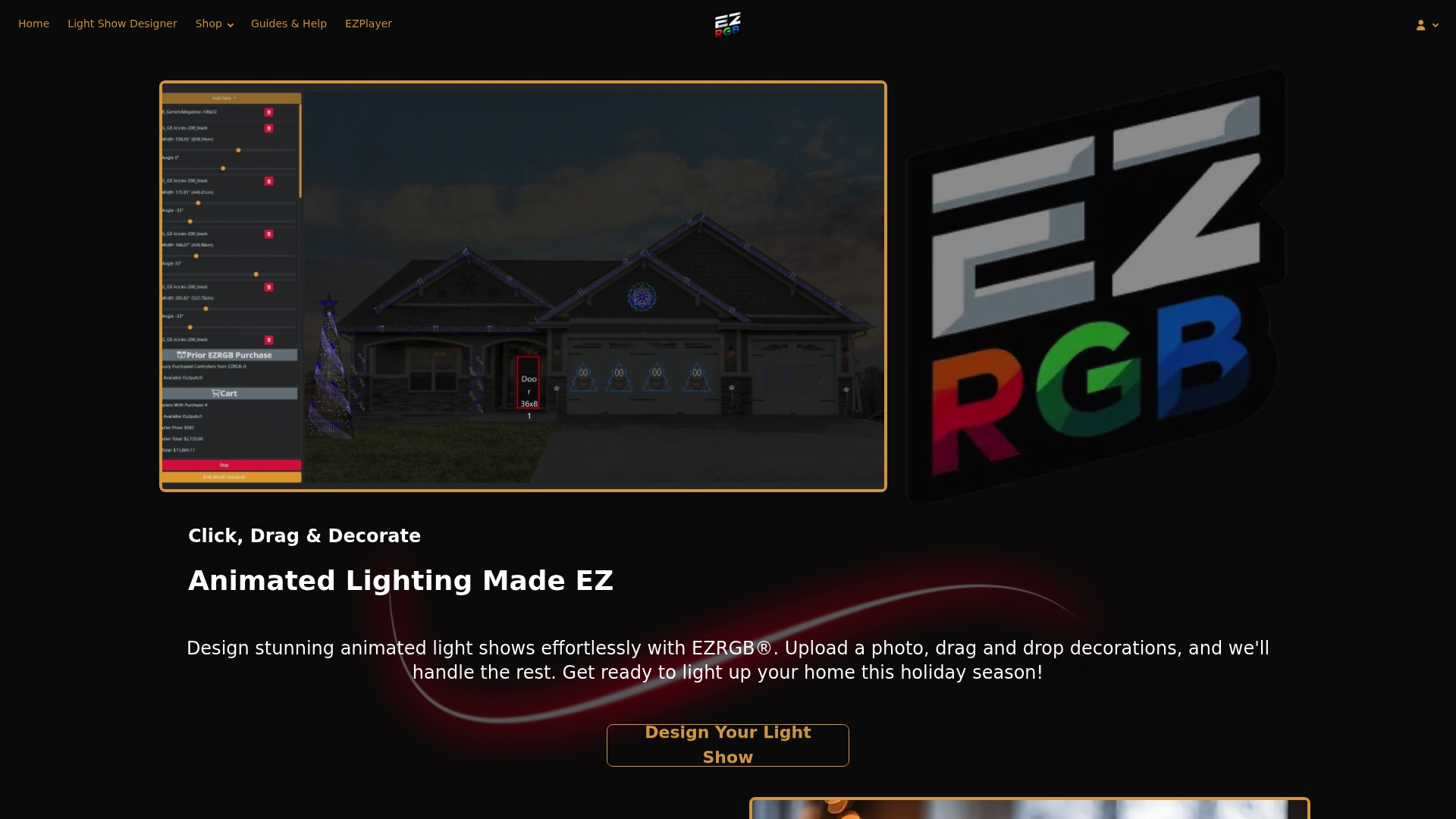
Visit ezrgb.com to browse props, sequences, and complete kits. The guides and help section walks you through every step if you have questions along the way.
Key Takeaways
EZRGB singing Christmas props produce genuine synchronized singing animations by combining LED pixel props with automated sequencing through EZSequence, EZPlayer, and the Layout Designer.
| Point | Details |
|---|---|
| Props genuinely sing | LED pixels animate mouth movements timed to vocal phonemes in your chosen song. |
| Pixel counts vary | Standard props use 12mm bullet pixels, with 30–thousands of pixels depending on prop size. |
| Platform automates sequencing | EZSequence generates singing animations from your layout and music automatically. |
| Sequencing quality drives results | Precise phoneme timing, not hardware alone, creates a believable lip-sync effect. |
| EZRGB simplifies everything | The Layout Designer, EZSequence, and EZPlayer form one connected system requiring no coding. |
FAQ
Do EZRGB singing props actually move their mouths?
Yes. LED pixels in the prop’s face light up mouth patterns that match vocal phonemes in the song, creating a realistic mouth-movement animation synchronized to the music.
What software programs the singing animations?
EZRGB handles it automatically once you upload your layout. For advanced customization, xLights is also compatible and supports detailed sub-model control of mouth, eyes, and outlines.
How many pixels do EZRGB singing props use?
Pixel counts vary depending on the prop’s size and complexity, with 12mm bullet pixels as the standard format.
Can I control my singing prop show remotely?
Yes. EZPlayer connects to the cloud, letting you schedule songs, sync purchased sequences, and adjust your show from any web browser without being on-site.
Do I need technical skills to set up EZRGB singing props?
No. The Layout Designer and EZSequence handle the programming automatically. You upload a photo, place your props, purchase your sequences, and the platform generates the sequence.