RGB Pixels vs. Traditional Christmas Lights: A Beginner’s Guide

Choose addressable RGB pixels when you want individual lights to change color independently in an animated display. Choose conventional Christmas lights when a steady outline or a product’s built-in patterns meet your decorating goals. Both can use LED technology. The useful comparison is how the lights are controlled, what equipment they need, and how you plan to run them.
This guide explains RGB pixels versus traditional Christmas lights, then walks through planning an EZRGB display. It separates documented product features from practical planning advice so you can make a buying decision without assuming every kit or light string works the same way.
What is the difference between LED, RGB and pixel lighting?
LED is the lighting technology. RGB stands for red, green and blue, the colors combined to produce other colors. Addressable pixel lighting adds individual control. An RGB product is not necessarily addressable: some strings change color together, while pixels can receive different instructions along the same run.
The xLights glossary distinguishes grouped RGB lighting from individually controlled pixels. When shopping, look for the actual product description and specifications. A label that says color-changing does not, by itself, establish that the product can play a sequence mapped to your house.
For example, a static warm-white outline may suit someone who wants the same look every evening. A homeowner who wants a wave of different colors to travel along the roofline needs equipment that supports the desired individual control. The effect you want should determine the system you buy.
Compare the complete display, not just the light strings
| Planning question | Conventional Christmas lights | Addressable pixel show |
|---|---|---|
| What creates the look? | The selected bulbs, colors and any built-in controls. | Individually controlled pixels and the prepared lighting sequence. |
| What must I check? | Location rating, connection limits, power and mounting instructions. | Those requirements plus controller compatibility, layout and playback. |
| What should I budget for? | Lights and the supplies needed for the installation. | Hardware, installation supplies, sequences and matching music. |
| How do I choose? | Confirm the product provides the steady look or built-in pattern you want. | Confirm the equipment and sequence support your intended display. |
This is a planning comparison, not a claim that every traditional string is simple or every pixel system requires the same equipment. A large conventional installation can still involve substantial mounting and electrical planning. A preconfigured pixel kit can reduce some component-selection work, but you still need to understand what it includes.
What does EZRGB’s designer do?
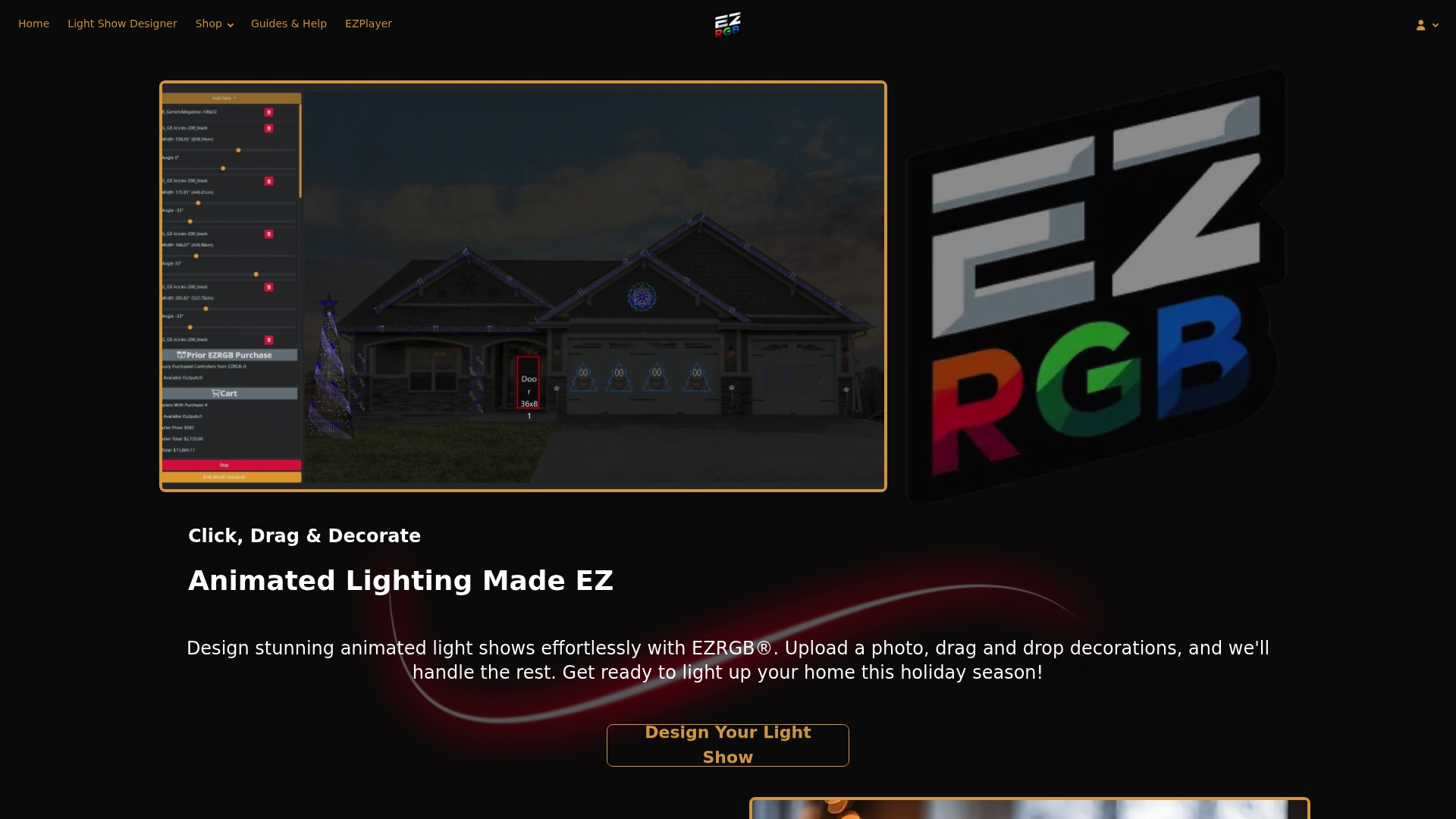
EZRGB describes a photo-based workflow: create an account, upload a photo of your home, and drag decorations into position. Its website also offers plug-and-play props with pixels already installed. You can begin with the EZRGB Light Show Designer and explore the prop catalog.
Use that visual plan alongside measurements. As a practical recommendation, record the lengths of the areas you want to decorate and identify where controllers and cables will sit. A photo helps communicate placement; it does not replace the installation instructions or establish that any custom decoration is a supported model.
If you already own lights, ask about compatibility before treating them as part of a new EZRGB order. Provide the product model, voltage, controller and intended layout. Getting a specific answer is more useful than assuming that all products described as RGB are interchangeable.
What comes with a kit, and what is purchased separately?
Read the bundle list for the exact kit. The Christmas Light Show Kit 1 product page lists C9 pixels, wreaths, snowflakes, extension cables and a Baldrick controller. That list describes this particular bundle; it should not be used as a universal checklist for every EZRGB kit.
EZRGB sequences and music are sold separately. Include both in your budget. Also confirm whether your selected products include the power equipment, connectors and mounting supplies your installation requires. If something is not clearly listed, ask before ordering.
A useful purchase checklist has three parts: the listed hardware, the separately selected show content, and any site-specific installation supplies. Keep those categories together when comparing costs. A low price for one component does not establish the total cost of a working display.
How does EZPlayer run the lights and music?
EZPlayer is a show player and scheduler. Its introductory manual explains the signal path: EZPlayer plays the prepared show, controllers receive the network data, and the pixels display the result. The player is a different part of the system from the physical controller.
The EZPlayer product page lists audio and .fseq playback and support for DDP and E1.31 controllers on attached IPv4 networks. It also identifies USB controllers as unsupported. Check those requirements against existing equipment rather than assuming that a controller supported by another player is supported here.
For an existing xLights show, the local setup guide starts with a show folder containing layout information, sequences and audio. Add a song from its .fseq file; associate the remaining details if EZPlayer does not discover them automatically. Try playback from the Jukebox before setting a nightly schedule.
How is cloud setup different?
For a show created through EZRGB’s cloud workflow, the cloud setup guide describes choosing Connect to EZRGB Cloud, selecting a show folder, and registering the player through a link or QR code. The player can then download layout and content. The guide also documents remote access through EZRGB’s Manage Player option.
Choose the setup path that matches your actual show. An existing local xLights folder and a new cloud-managed display are different starting points. Follow the appropriate instructions instead of combining steps from both and hoping the missing files or configuration will resolve themselves.
Three beginner mistakes to avoid
1. Buying components before checking compatibility
Write down the lights, controller and playback method before ordering additions. If a specification is missing, ask the supplier. This is especially valuable when combining older equipment with a new kit or planning a custom prop.
2. Assuming kit ownership includes songs
Hardware and show content are separate purchases at EZRGB. Choose the available sequences you want and confirm their matching music requirements. Review the sequence catalog before promising a particular song to your family or visitors.
3. Treating software setup as the whole installation
You still need to mount and connect the equipment correctly. The CPSC’s holiday-decorating guidance recommends inspecting lights and cords, using outdoor-rated products outdoors and GFCI protection. Follow product connection limits; a generic pixel count cannot establish a safe power plan.
Plan the first evening of playback
As a practical recommendation, choose a manageable opening playlist and test it before inviting viewers. In EZPlayer, schedules play playlists rather than individual songs. The Simple Schedules guide documents one-time, daily and selected-weekday entries, plus optional intro and outro playlists.
Decide on viewing hours that suit your household and neighbors. Record the equipment, layout and settings you actually used so you can revisit the plan when adding decorations. A documented small display gives you a clearer basis for expansion than an untested shopping list.
Frequently asked questions
Are RGB lights different from LED lights?
The terms overlap. RGB describes color mixing, while LED describes the technology. Individual control depends on whether the product is addressable, not merely whether its label says RGB.
Can I use existing xLights files with EZPlayer?
EZPlayer documents a local setup path using an existing xLights show folder, sequences and audio. Check controller support and follow the local setup instructions.
Does plug-and-play mean there is nothing to install?
No. You still place, mount and connect the products according to their instructions. Confirm the contents and setup requirements of the specific kit you choose.
Which option is better for my first display?
Choose around the effects you want, your complete budget and the installation you can manage. For EZRGB, start with a visual layout, verify the equipment list and allow for separately purchased sequences and music.