510 vs. 512 Channels: Pixel Light Show Terms Explained

The vocabulary of a pixel light show becomes easier when you follow the signal: software plays the show, a controller receives its data, and the pixels display the colors. A few definitions explain how those pieces fit together.
Pixels and channels
An addressable RGB pixel can be controlled individually. RGB describes red, green and blue; a typical RGB pixel uses a channel for each color. Non-addressable RGB strings can change color as a group, so “RGB” alone does not tell you whether every light can be controlled independently.
The xLights glossary distinguishes individually controlled pixels from grouped RGB lighting. Check the product specifications when selecting lights and a compatible controller.
Why do people use 510 channels?
A universe is a numbered group of lighting-data channels. xLights documentation describes 510- and 512-channel configurations. With three channels per RGB pixel, 170 pixels occupy 510 channels. That explains the common 510-channel setting; it does not make 510 the only supported universe size.
Use matching universe settings in the controller and software. The xLights controller documentation supports configurations using either size, depending on the device and setup.
Data capacity and electrical capacity are different
A universe setting describes addressing. It does not tell you how many pixels a wire, connector, fuse or power supply can safely support. For those decisions, use the specifications and wiring instructions for the actual products.
Layout, sequence and player
Your layout represents the display’s models and their arrangement. A sequence specifies the lighting changes over time. A player runs the prepared show. EZPlayer’s documented role is to organize and play songs or sequences, send data to controllers, and manage scheduled playback.
Where to begin with EZRGB
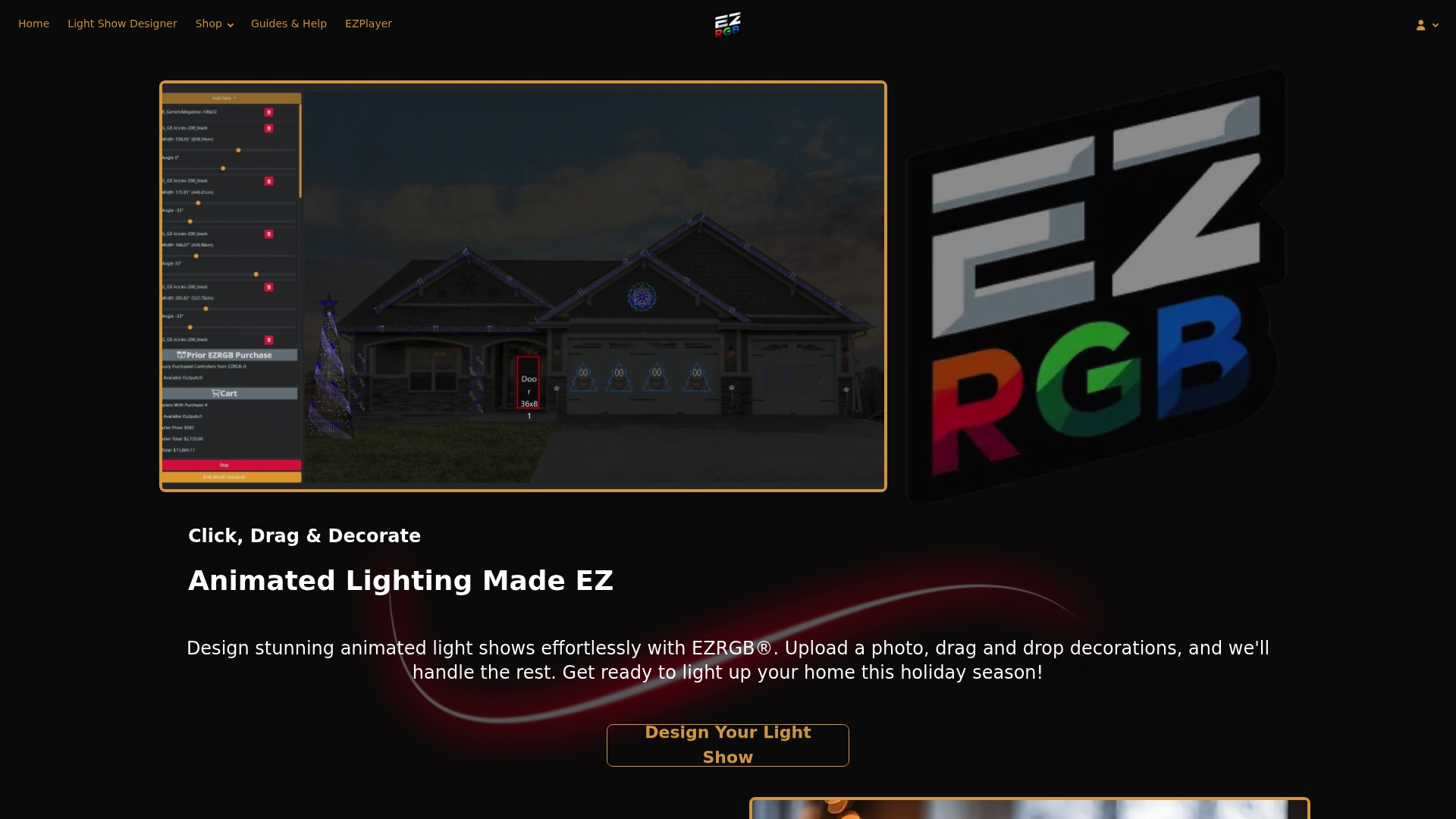
If you are planning a new display, use the photo-based EZRGB designer to arrange supported decorations. Browse plug-and-play kits for hardware options and check each bundle’s listed contents. Sequences and music are separate purchases.
FAQ
Does one universe equal one controller port?
Do not assume that it does. The relationship depends on the controller and configuration. Follow that controller’s documentation.
Do all beginner displays require manual universe setup?
The required steps depend on the selected system. Confirm what your kit arrives configured to do before changing controller settings.